Why Blended Learning Works for Group Safety Training
Top 5 Blended Learning Workflows for California Group Safety Training
Blended learning combines the flexibility of online instruction with the irreplaceable value of hands-on practice. For safety training, this hybrid approach addresses a real organizational challenge: getting entire teams certified without disrupting operations or burning out trainers.
The problem most California healthcare organizations face is scheduling. Nurses work shifts. EMS crews rotate. Corporate safety teams span multiple locations. Traditional all-day in-person courses create coverage gaps. Blended models solve this by letting participants complete knowledge components independently, then gathering only for the skills portion where an instructor’s presence genuinely matters.
This approach also improves retention. Studies show that spreading learning over time with varied modalities strengthens memory better than cramming everything into one session. Your team members grasp concepts online, then immediately apply them with a certified instructor who can correct technique in real time.
The cost benefit matters too. You reduce facility overhead, instructor travel time, and participant time away from patient care or critical operations. Most organizations report 25-40% savings compared to traditional one-day certification models.
Next step: Audit your current training schedule to identify the biggest scheduling friction point. That’s where blended learning delivers the most immediate payoff.
Key Criteria for Evaluating Workflows
Before choosing a workflow, assess five dimensions specific to your organization.
Team composition. Are your participants spread across one location or many? Do you have a stable core group or high turnover? A dental practice with twelve consistent staff members has different needs than a multi-hospital health system with new hires monthly.
Scheduling constraints. How much flexibility do you actually have? A corporate safety officer with budget authority can mandate participation windows. A nursing director competing for staff time on multiple shifts needs something that fits around patient care.
Compliance requirements. Some roles (ACLS for paramedics, BLS for healthcare workers) have tighter standardization demands than others. Know whether your certifications require specific AHA-aligned curricula or whether more flexibility exists.
Technical readiness. Not all teams have equal comfort with online platforms. Check whether participants have reliable internet, device access, and basic digital literacy before assuming an online-heavy workflow.
Timeline and urgency. Emergency recertification for a team losing credentials next month demands a different structure than planned annual training.
Document these five factors before reading further. They’ll guide your selection.
Workflow 1: Virtual Pre-Training with In-Person Skills Sessions
This is the most common hybrid structure and works well for most California organizations.

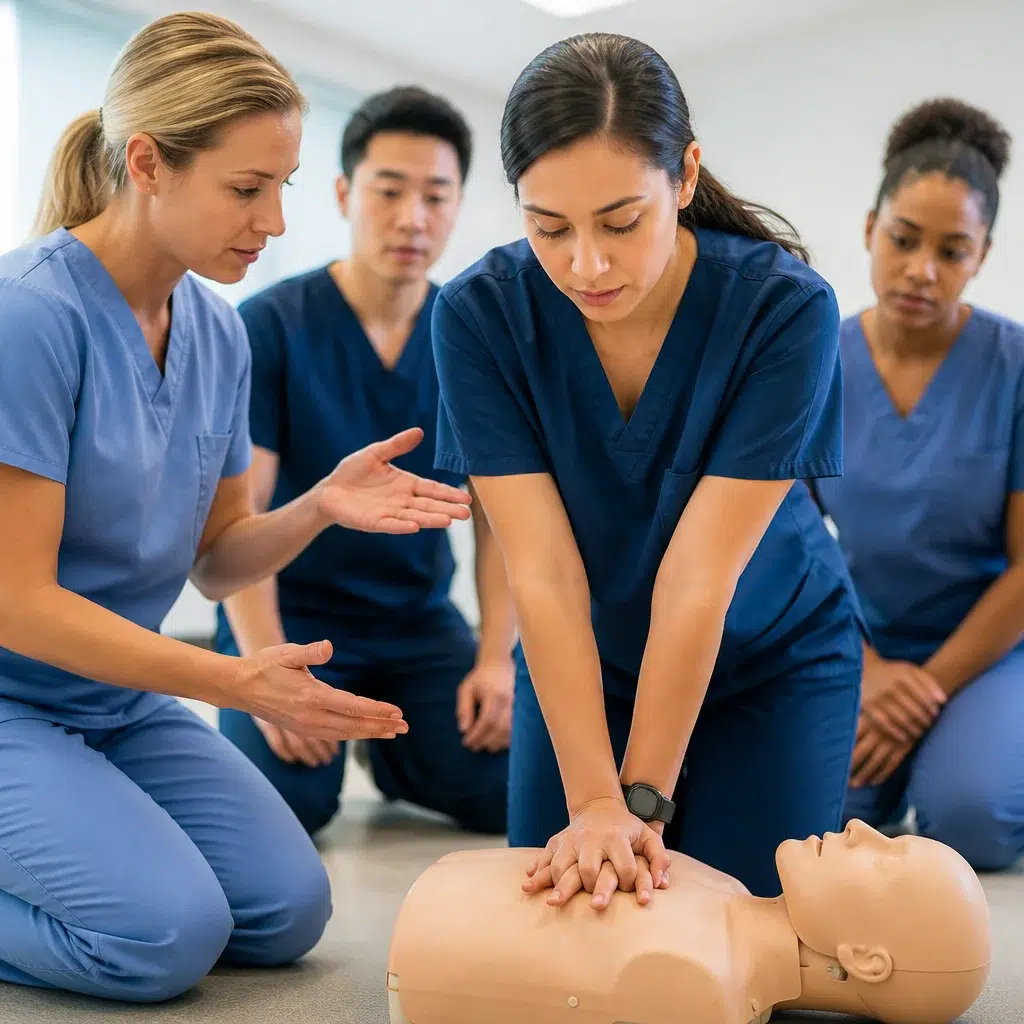
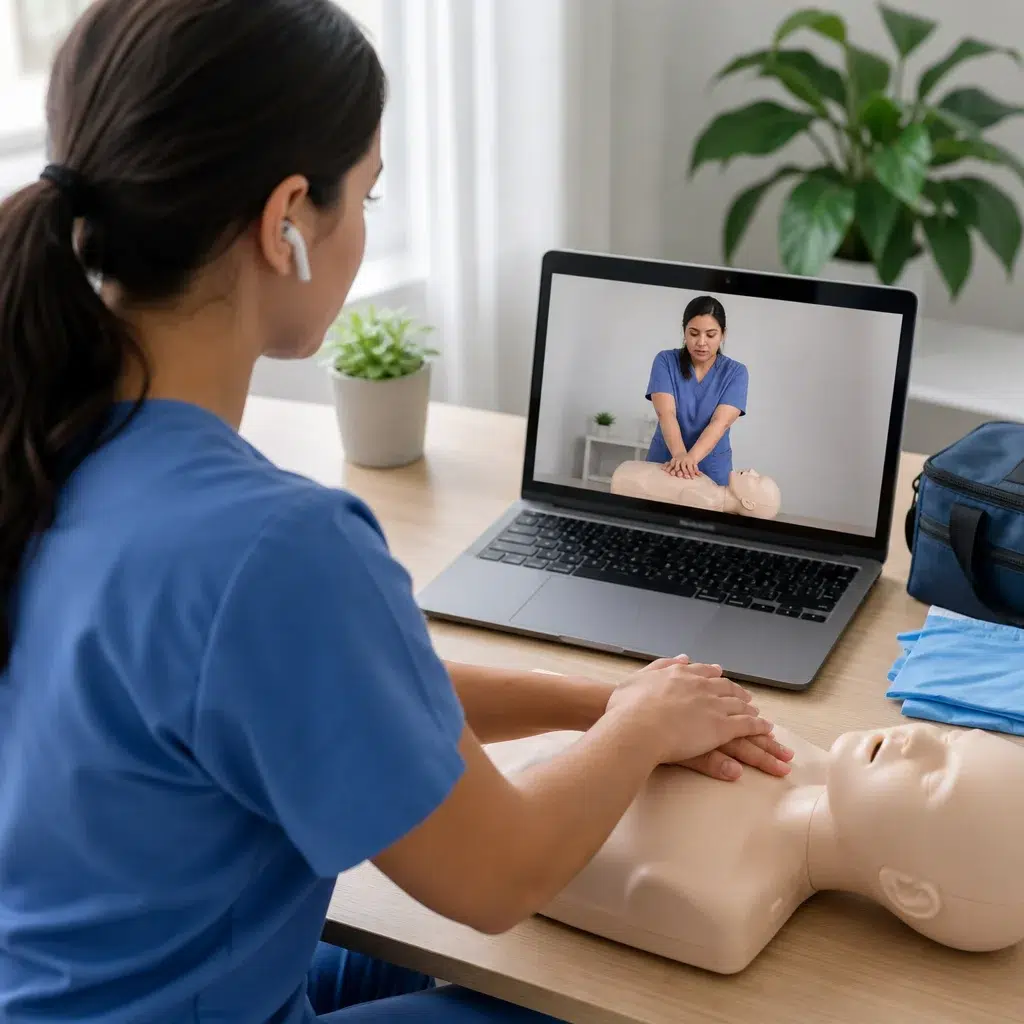
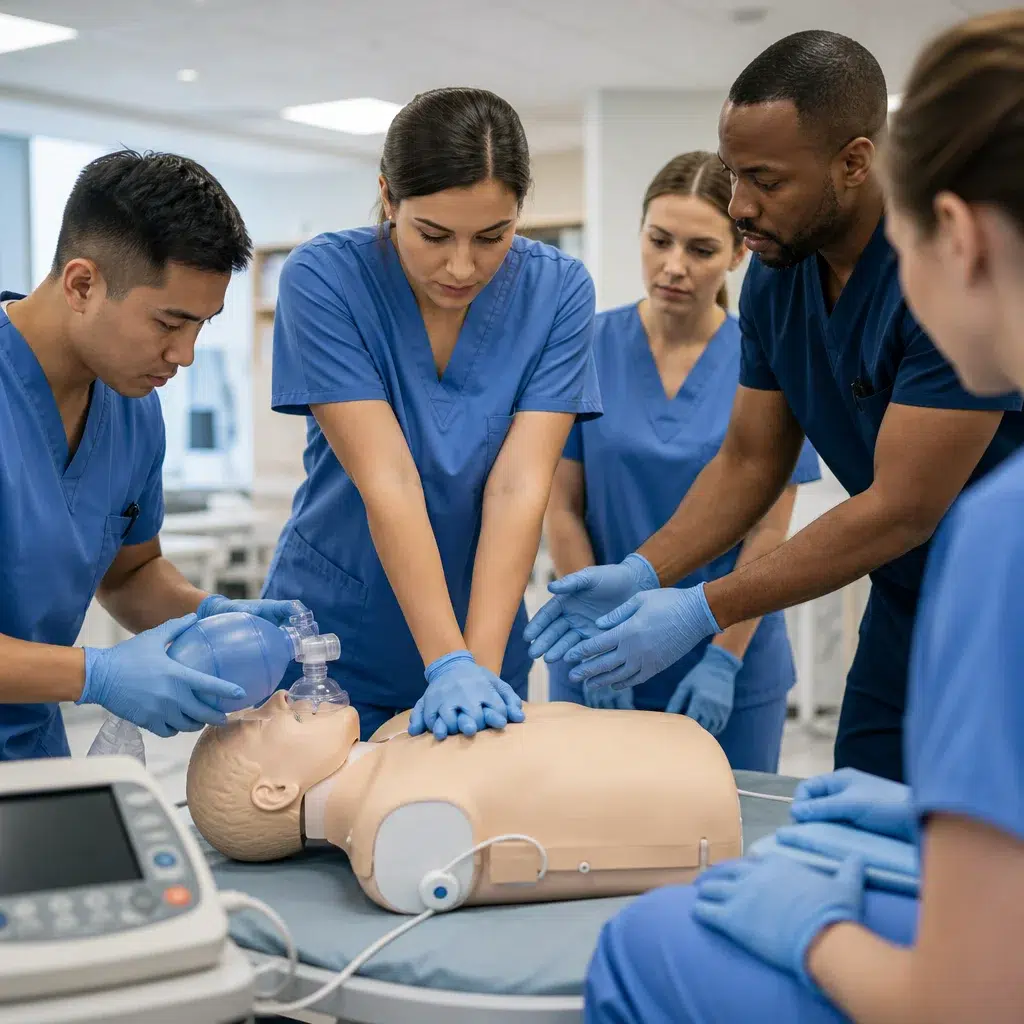
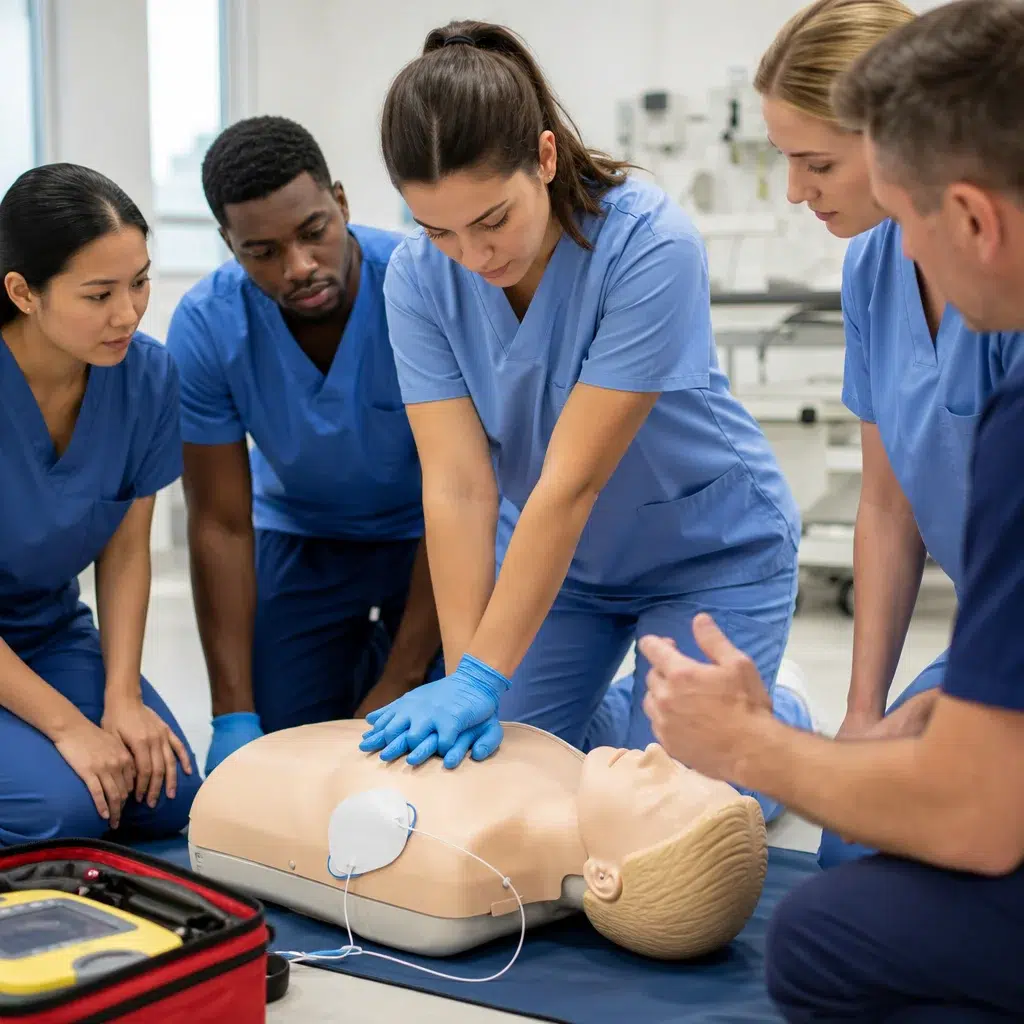
Participants complete all knowledge content online over 1-2 weeks. They watch videos, take quizzes, review algorithms, and confirm understanding before arriving at the skills session. The in-person component then becomes purely practical: chest compression techniques, rescue breathing, defibrillator operation, and supervised scenario practice. One session typically covers two hours of concentrated skills work with a certified instructor.
Who this fits best: Hospitals, clinics, and EMS agencies with reliable access to training facilities. Your team members complete content on their own schedule, then meet as a group for the hands-on work that actually requires an instructor.
Timeline: Online portion takes 1-2 hours spread over several days. In-person skills session is 2-3 hours. Total certification time is 3-5 hours.
Trade-offs: Requires solid attendance at the single in-person meeting. Works poorly if your team can’t gather on the same day. Also depends on participants actually completing online modules before arriving (enforcement helps).
Safety Training Seminars supports this workflow across their California locations, with daily skills sessions available to accommodate your scheduling window.
Workflow 2: Modular On-Demand Learning with Scheduled Practicum Days
Here, you break the course into smaller topic units. Participants move through knowledge modules independently at their own pace, then join scheduled practicum sessions when they’re ready. You might open a “skills lab” twice weekly, and each person books a two-hour slot after completing their modules.
This structure maximizes flexibility because individuals aren’t forced to learn at the group’s pace. Someone working overtime can delay their modules without holding others back.
Who this fits best: Large organizations with high turnover, remote workers who occasionally travel to a main office, or settings where coordinating group schedules is genuinely difficult. Dental practices, corporate safety teams, and distributed healthcare networks see strong adoption here.
Timeline: Online modules total 2-3 hours, spread over 2-4 weeks. Each person schedules their practicum slot based on availability. Total elapsed time is 4-6 weeks, but actual instruction time stays compact.
Trade-offs: Requires robust scheduling system and consistent practicum staffing. You need certified instructors available on a regular cadence, not just one or two fixed dates. This works best with 15+ participants cycling through to justify the ongoing schedule.
Workflow 3: Multi-Location Coordination with Centralized Virtual Components
Organizations with offices across California use this approach: centralize all knowledge delivery through one online platform while partnering with local instructors near each office for skills sessions.
One team builds the course once. All participants watch the same videos and materials. But instead of traveling to headquarters for a skills session, they practice with a certified instructor at a location closer to them. Coordination happens through the learning platform, which tracks who’s completed what before local sessions begin.
Who this fits best: Multi-location healthcare networks, large corporate chains, EMS departments with regional stations, and organizations where travel is a real cost and compliance burden.
Timeline: Centralized online delivery is 1-2 hours. Local skills sessions happen regionally on coordinated dates. Total time is 3-5 hours spread across 1-3 weeks.
Trade-offs: Requires a strong LMS (learning management system) to coordinate across locations and confirm prerequisites before local sessions. Also depends on having certified instructors or partners available in each region. This adds upfront setup complexity but pays back quickly across a multi-site organization.

Workflow 4: Accelerated Track with Flexible Scheduling Options
For teams facing urgent recertification deadlines or new hires who need credentials immediately, you condense the timeline but preserve the blended structure.
Participants complete condensed online content in a single day or evening, then attend a skills session the next morning. Some organizations offer back-to-back sessions: two hours of virtual content, then immediately one hour of hands-on practice, creating same-day certification.
Who this fits best: Emergency recertification situations, new employee onboarding, or organizations where a cohort suddenly needs credentials fast. Also suits self-directed learners comfortable with intensive pacing.
Timeline: Online content compressed to 1-2 hours total, skills session 2-3 hours. Same-day or next-day certification is realistic.
Trade-offs: Requires participants to be fully present and ready to absorb material quickly. Knowledge retention may be slightly lower than distributed learning, though hands-on practice compensates. Not ideal for teams with varying learning speeds.
Workflow 5: Corporate Customization with Role-Specific Certifications
Here, you skip the generic approach and build separate learning paths for different roles within your organization.
Nurses might need ACLS with specific hospital protocols. Security staff might need BLS plus de-escalation techniques. Administrators need bloodborne pathogens awareness but not full CPR. You create role-specific online modules that teach relevant scenarios, then bring each group together for their specific skills session.
Who this fits best: Large corporations, healthcare systems with multiple departments, and organizations where one-size-fits-all training creates unnecessary content or leaves critical gaps.
Timeline: Customization and content creation takes 2-4 weeks upfront. Then ongoing delivery follows standard blended timelines (1-2 weeks for online, 2-3 hours for in-person skills).
Trade-offs: Significant upfront planning and content investment. You need someone who understands both your organizational structure and training content well enough to build meaningful role-specific modules. The payoff is much higher engagement and compliance because people see direct relevance to their actual work.
Comparing Workflow Effectiveness and Time Investment
The simplest comparison: Virtual Pre-Training (Workflow 1) minimizes total elapsed time and complexity. Most organizations see certification completion in 3-5 hours spread across 1-2 weeks, making it ideal for straightforward compliance.
Modular On-Demand (Workflow 2) stretches elapsed time to 4-6 weeks but eliminates scheduling friction for distributed teams. You trade speed for flexibility.
Multi-Location Coordination (Workflow 3) preserves timeline while solving the travel problem, but requires stronger infrastructure. Plan for 1-2 weeks of coordination overhead upfront.
Accelerated Track (Workflow 4) compresses everything into 1-2 days, useful only when speed is genuinely critical. Expect slightly lower retention but acceptable for compliance-critical situations.

Corporate Customization (Workflow 5) adds 2-4 weeks of content development upfront but generates sustained benefits. ROI appears after the second cohort, making it strongest for recurring annual training.
How to Choose the Right Workflow for Your Organization
Start with your constraints, not your preferences.
If you have one location and can gather your team twice a month: Workflow 1 is your fastest path. Online pre-work, then a single in-person skills session. You’re certified in under two weeks with minimal complexity.
If you’re geographically distributed or have shift work preventing group scheduling: Workflow 2 or 3. Choose 2 if you have in-house capacity to run regular practicum sessions. Choose 3 if you need to leverage external instructors or training partners across regions.
If you face imminent deadline pressure: Workflow 4 gets people certified fastest, though accept a modest retention trade-off.
If you have 50+ participants cycling through annually and multiple departments: Workflow 5 justifies the upfront customization investment.
One practical check: calculate your actual cost of time away from operations. Multiply (hours away per person) x (number of participants) x (your loaded hourly cost). Compare that against training fees. Workflows that compress time or reduce travel often show savings of 30-50% when you include this hidden cost.
Implementation Guide for Maximum Training Success
Choose your workflow first, then execute these steps in order.
Week 1: Secure commitments. Get leadership approval, identify all participants who need certification, confirm they can access online platform and know their login. Send calendar holds for in-person sessions immediately.
Week 2: Launch online component. Activate online access, send clear instructions on module sequence and deadlines, assign a contact person for technical issues. Set a firm completion deadline 3-5 days before the in-person session.
Day before in-person: Review who completed online requirements. Reach out to anyone who’s behind. Have backup materials on-site for anyone who couldn’t access online content.
During skills session: Start with a brief refresher of key concepts. Move quickly into guided practice. Use real equipment your team will actually encounter at work. Have each person demonstrate competency before signing off. Provide same-day digital certificates so people leave with proof of completion.
After session: Send digital copies to all participants and your compliance file. Ask brief feedback (one sentence: “What worked, what could improve?”). Review completion records against your roster to catch anyone who slipped through.
Safety Training Seminars handles this entire lifecycle for California organizations, from online learning platforms through in-person skills sessions at over 100 locations statewide. Their blended model specifically supports the workflows outlined here, with flexible scheduling, certified instructors, and immediate digital certification. For organizations needing structured implementation without building it themselves, this removes a significant planning burden.
Your choice of workflow directly impacts whether training feels like compliance burden or operational strength. Start with your biggest constraint. Build from there. The right blended model transforms certification from something done to your team into something that actually improves your safety culture.
Register for a class today.